
How to track your mood, one moment at a time
A simple starting point for noticing a feeling, keeping a little context, and returning to your days.
 KnowMood
KnowMood is a mood tracker and journal for iPhone and iPad. Record how you feel, understand what surrounds recurring feelings, and remember what helped.
For iPhone and iPad
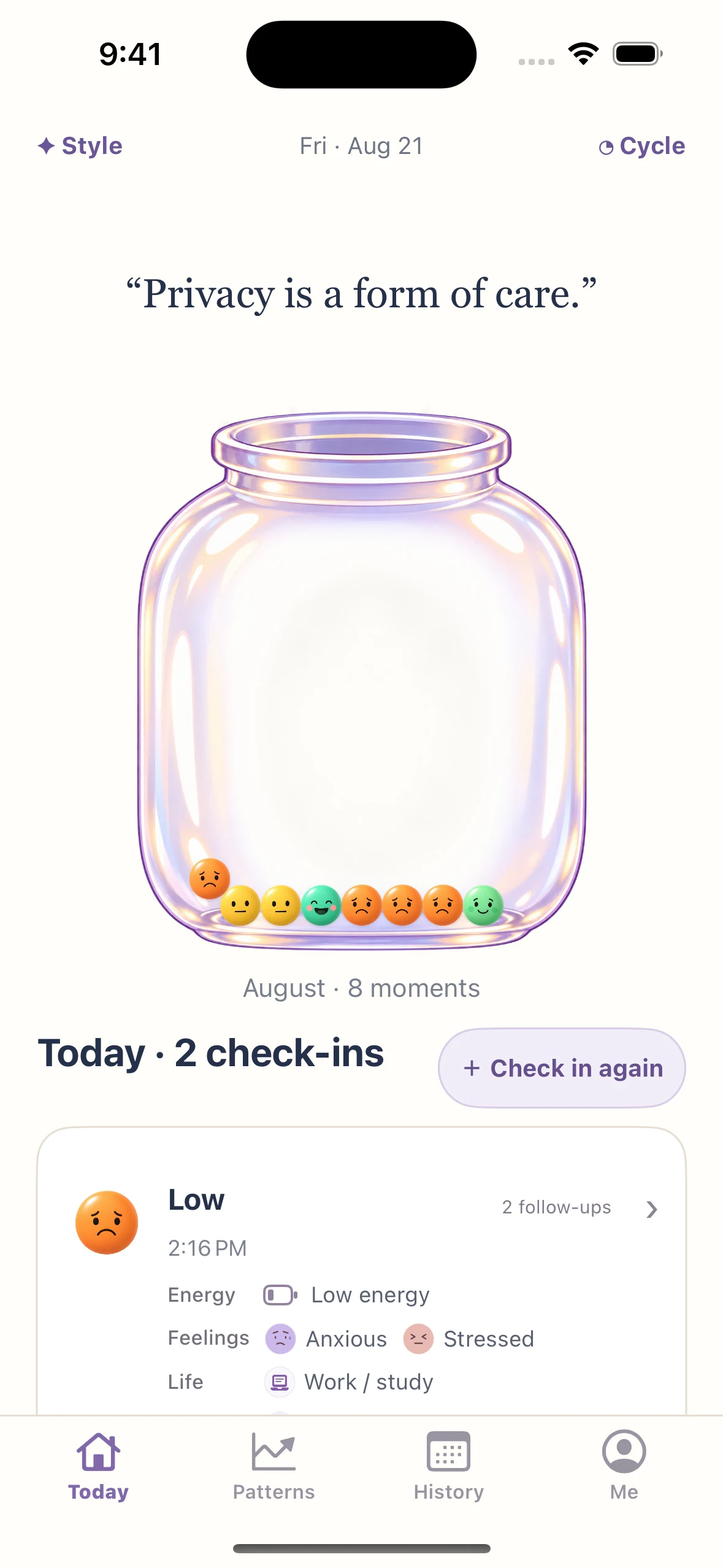
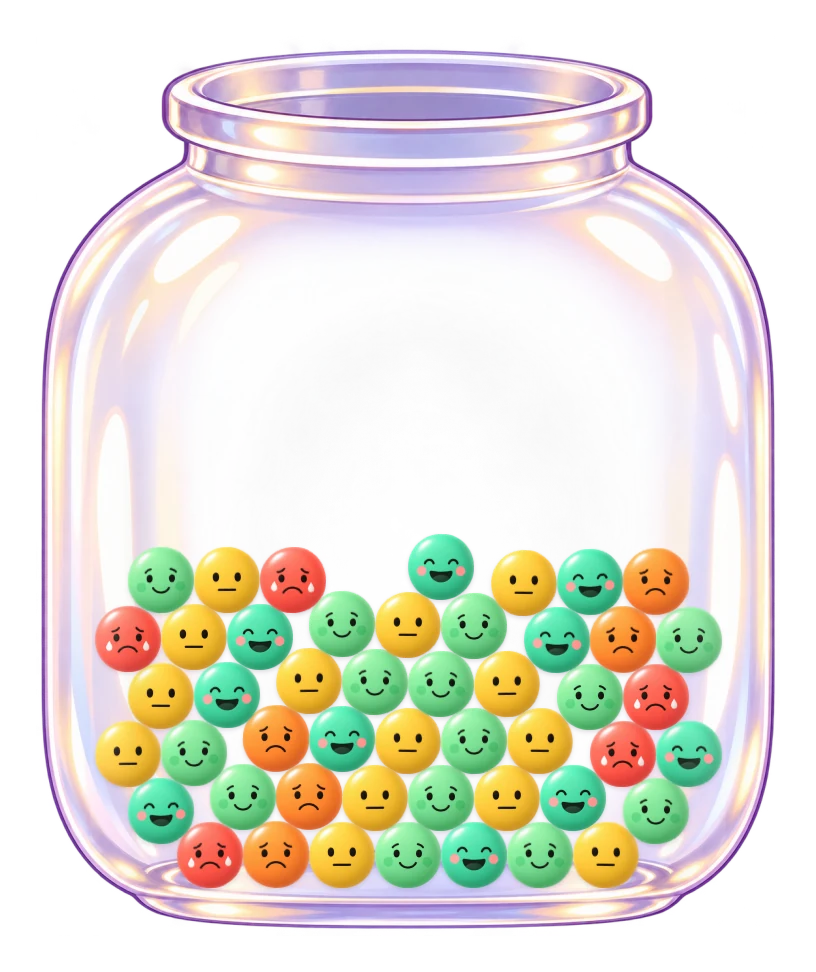
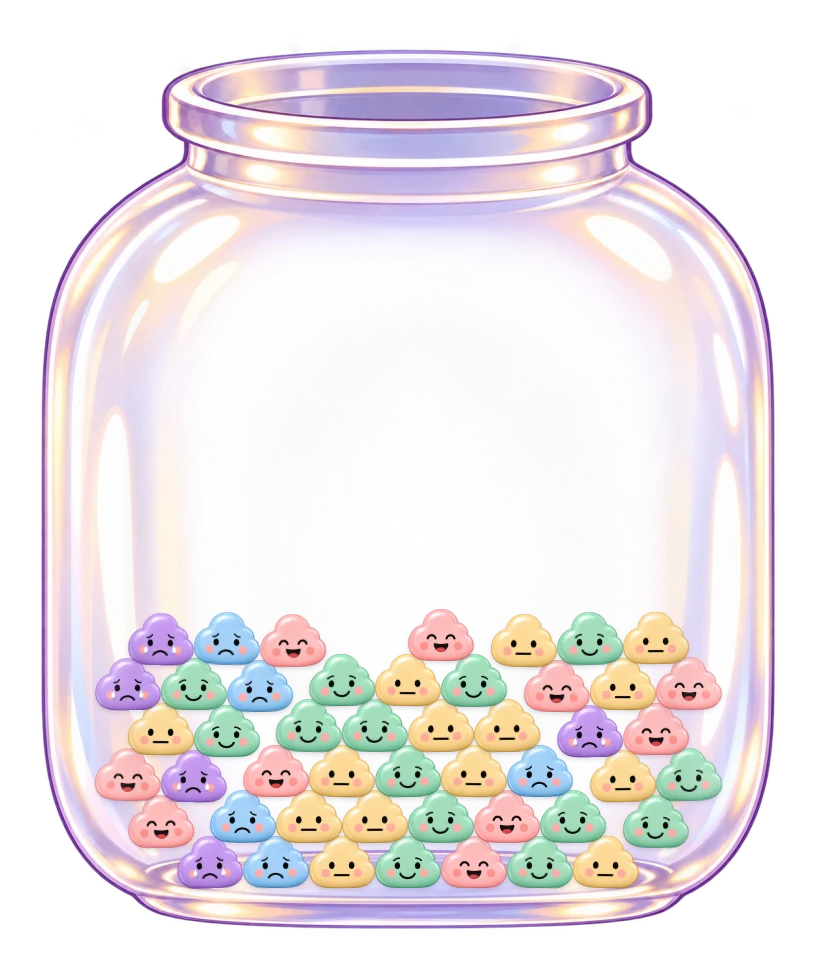
Every check-in becomes a moment in your Mood Jar. Choose a style that makes it feel like yours.
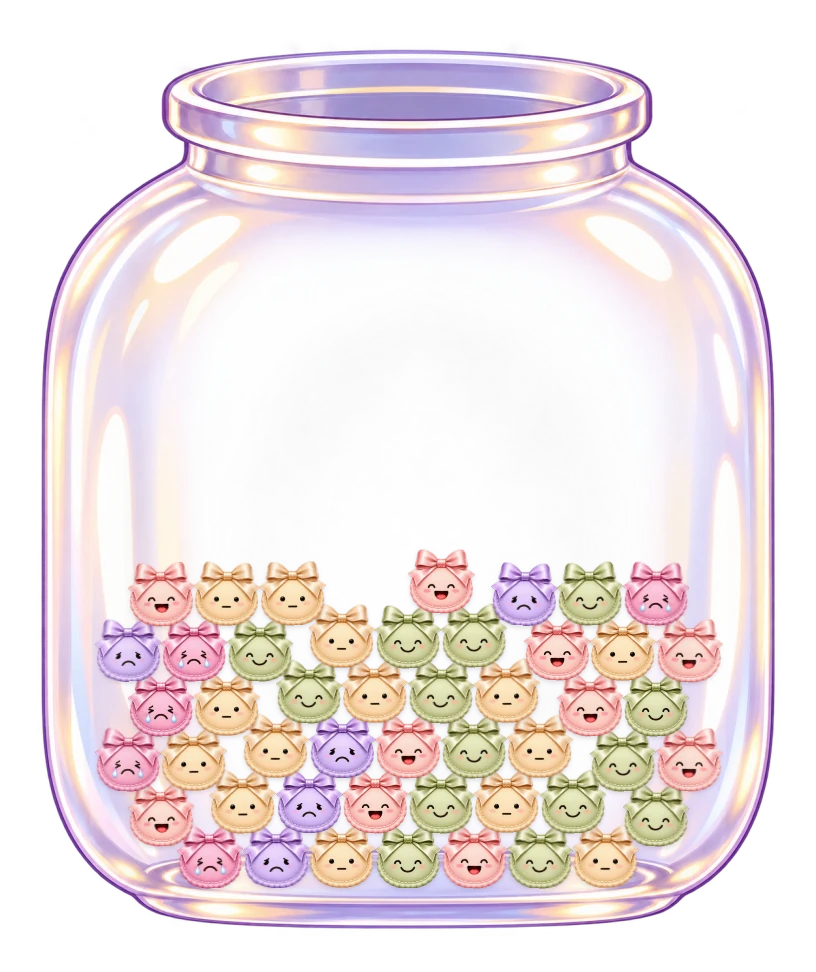
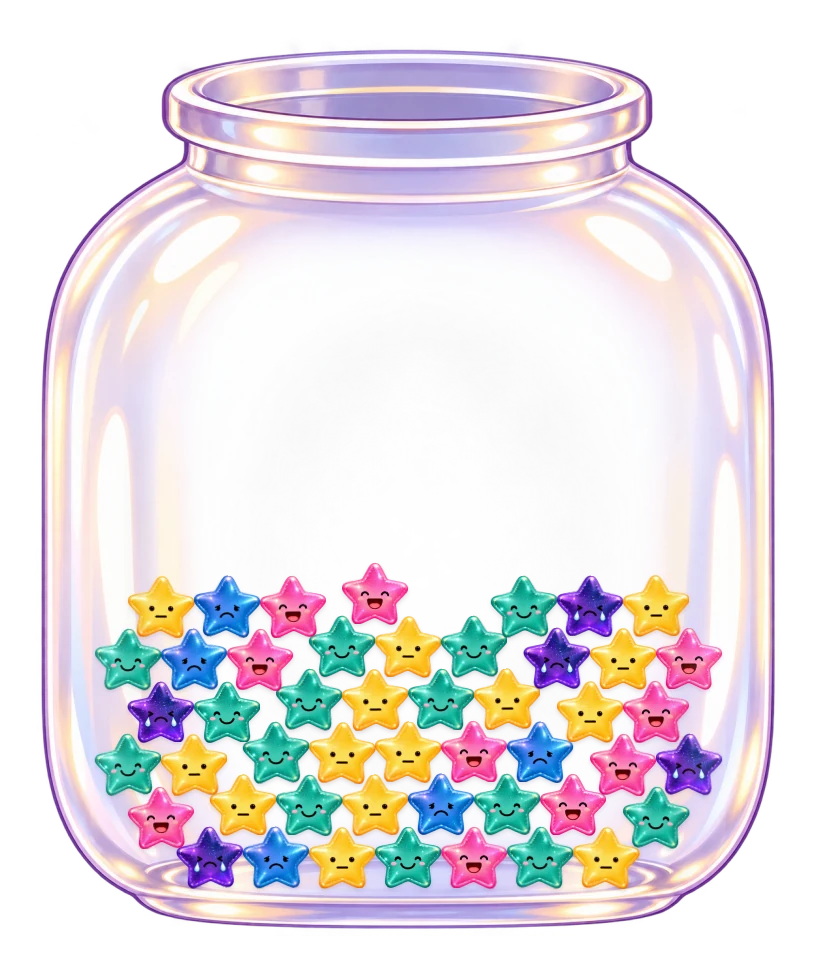
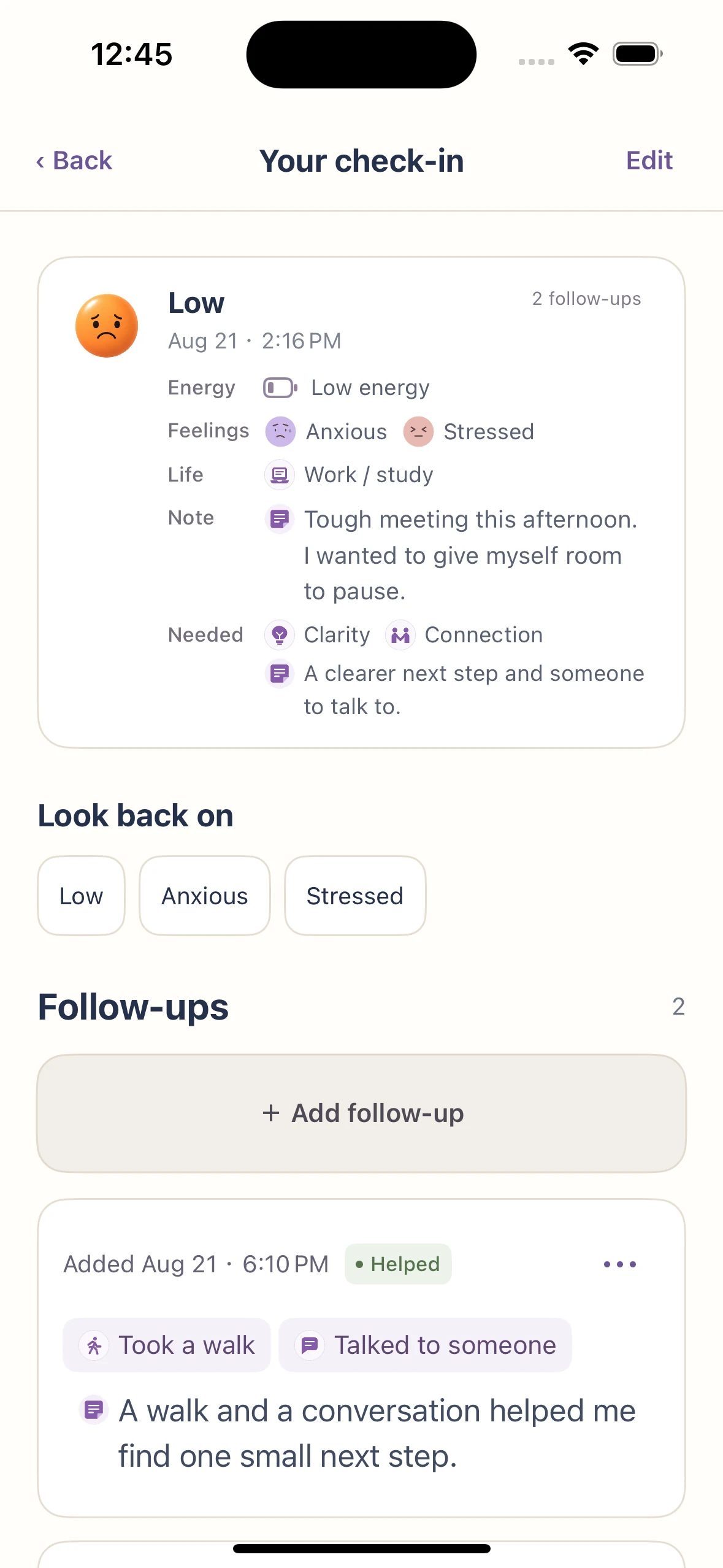
Start with a mood check-in and optional energy. Go deeper with feelings, life, and needs when you want to understand more about the moment.
Explore your mood journal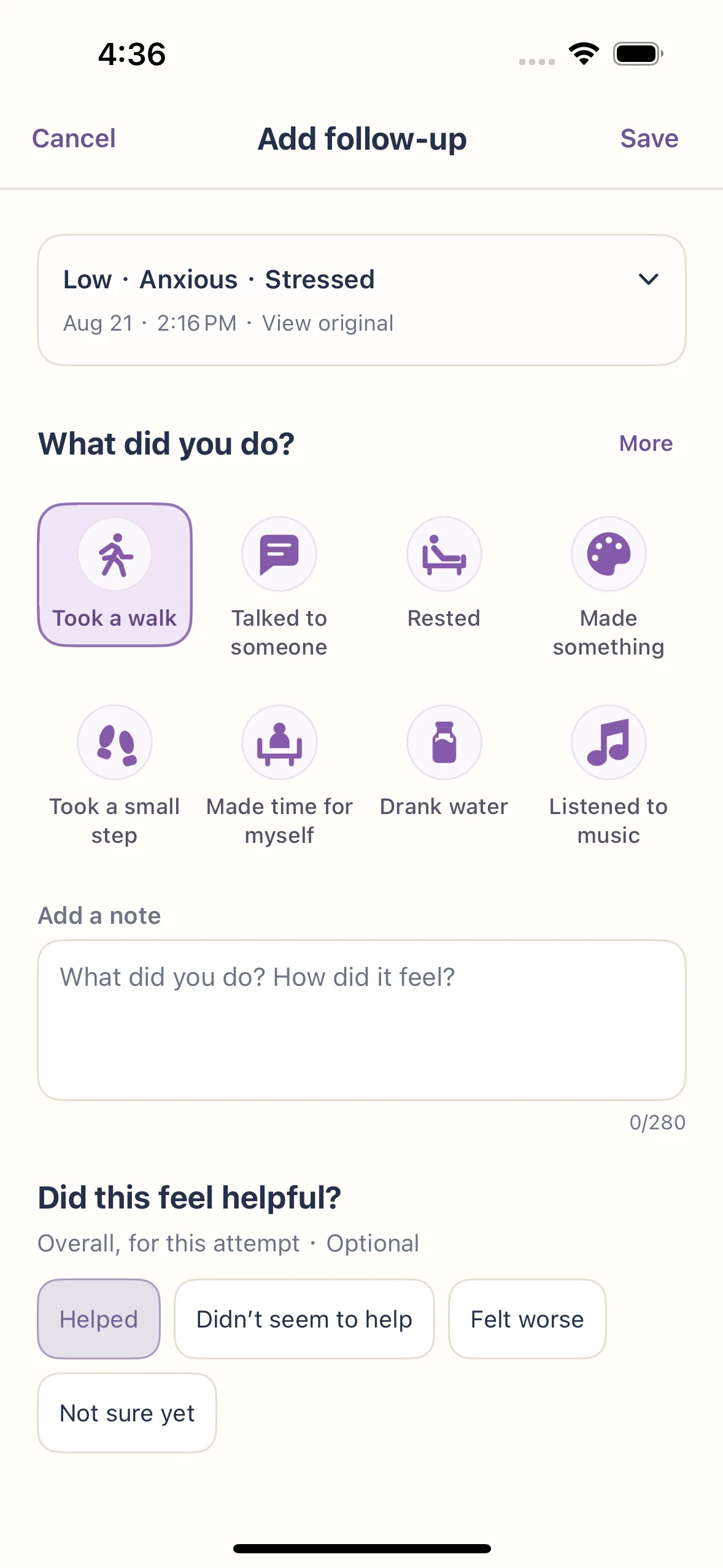
A walk. A conversation. A moment to yourself. Add a Follow-up to the original check-in and note “Helped” or “Didn’t seem to help.” Remember the experience when a similar feeling returns.
Discover follow-upsSee how you felt, how often, and what was happening around it.
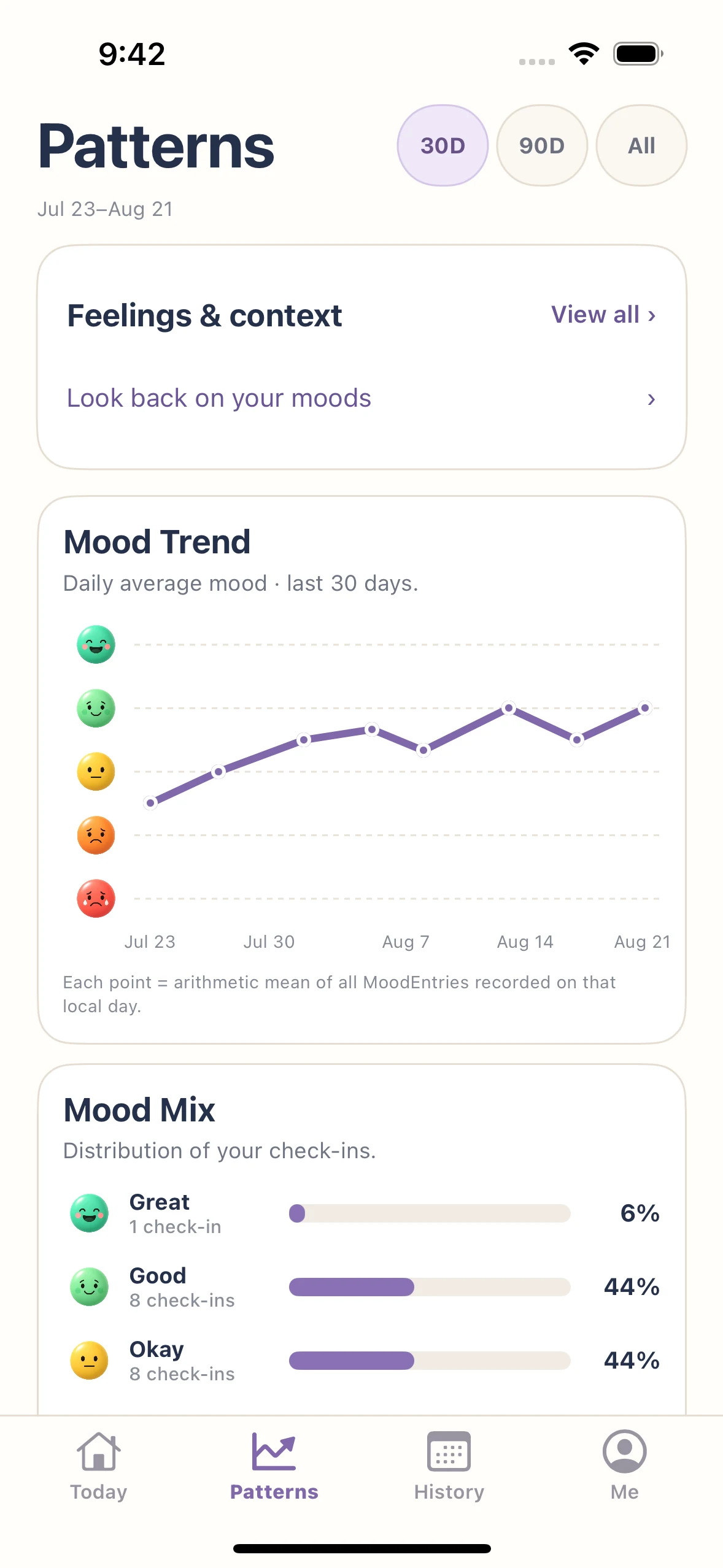
Notice the stretches that felt lighter, harder, or more changeable. Mood Trend follows averages over time, so you can see a change in the bigger picture and return to the days behind it.
For a longer history, KnowMood groups daily averages into overview points. Missing records stay gaps.
Explore mood chartsOne difficult moment can stand out in your memory. Mood Mix puts every recorded mood beside the others, with counts and percentages for Great, Good, Okay, Low, and Awful.
Each check-in counts once. A day with several check-ins contributes more than a day with one.
Explore mood chartsCompare your average mood when you tagged sleep, work, time for yourself, or other parts of daily life. See which contexts are worth returning to in your journal.
The count beside each factor helps you judge how much history sits behind it. An average appears after at least three tagged check-ins; an association is not a cause.
Explore mood chartsCompare recorded moods across completed cycles, with a row for each cycle and an average across them. The colored cells make similarities and differences between stages easier to see.
Period dates come from your records. Other phases are estimates based on those dates, for personal reflection rather than medical or fertility guidance.
Explore mood chartsStart with a mood or feeling, then look at the life events, time of day, and energy recorded with it. Narrow the view and open the original check-ins to understand what those moments had in common.
Use Marked helpful to revisit records with follow-ups you found helpful. Your history can offer context and questions to explore, rather than a single explanation for a feeling.
Explore mood charts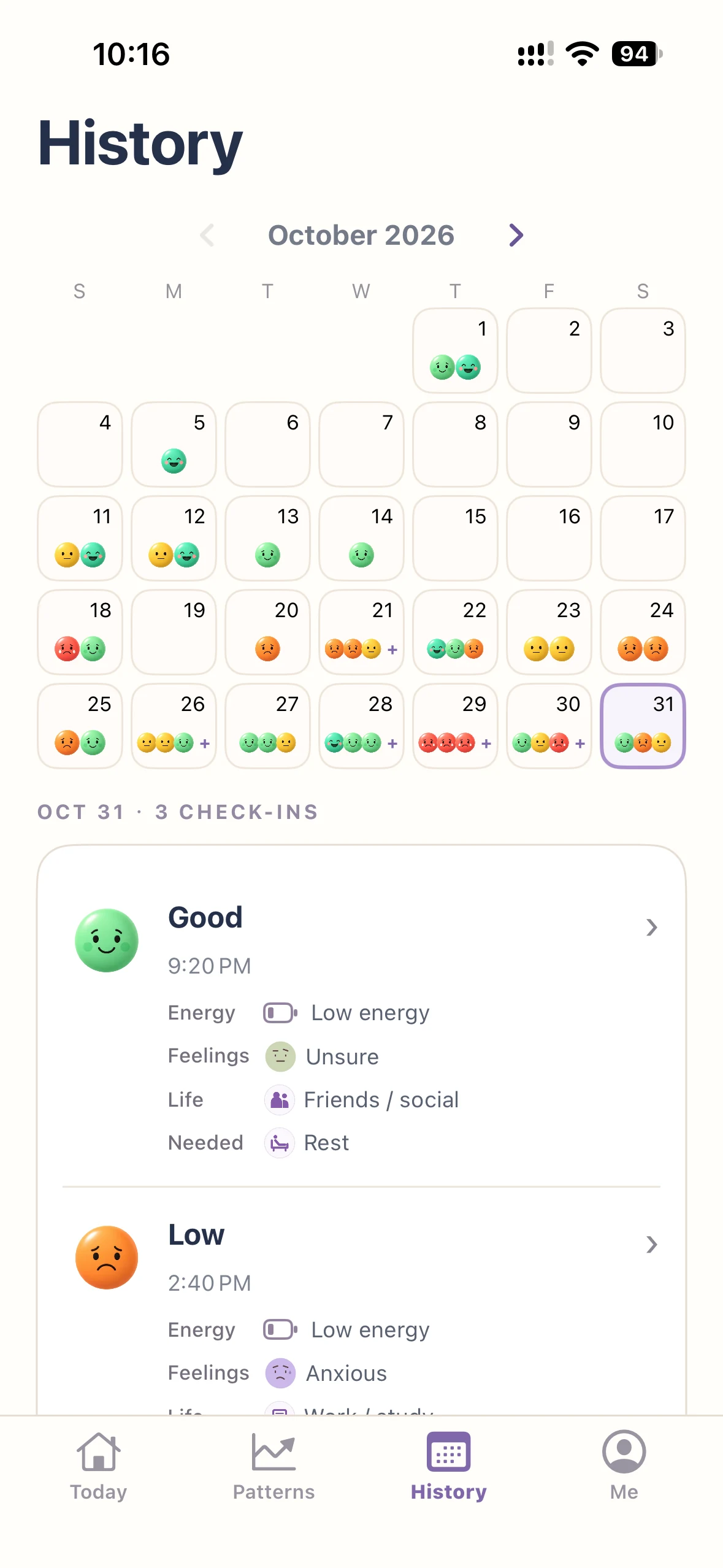
See your check-ins together in a mood calendar. Choose a day to return to its feelings, details, and follow-ups.
Explore your mood calendar

Start a check-in or keep your mood trend close with KnowMood widgets. Choose the view that fits your Home Screen or Lock Screen.
Explore mood tracker widgetsA simple starting point for noticing a feeling, keeping a little context, and returning to your days.
KnowMood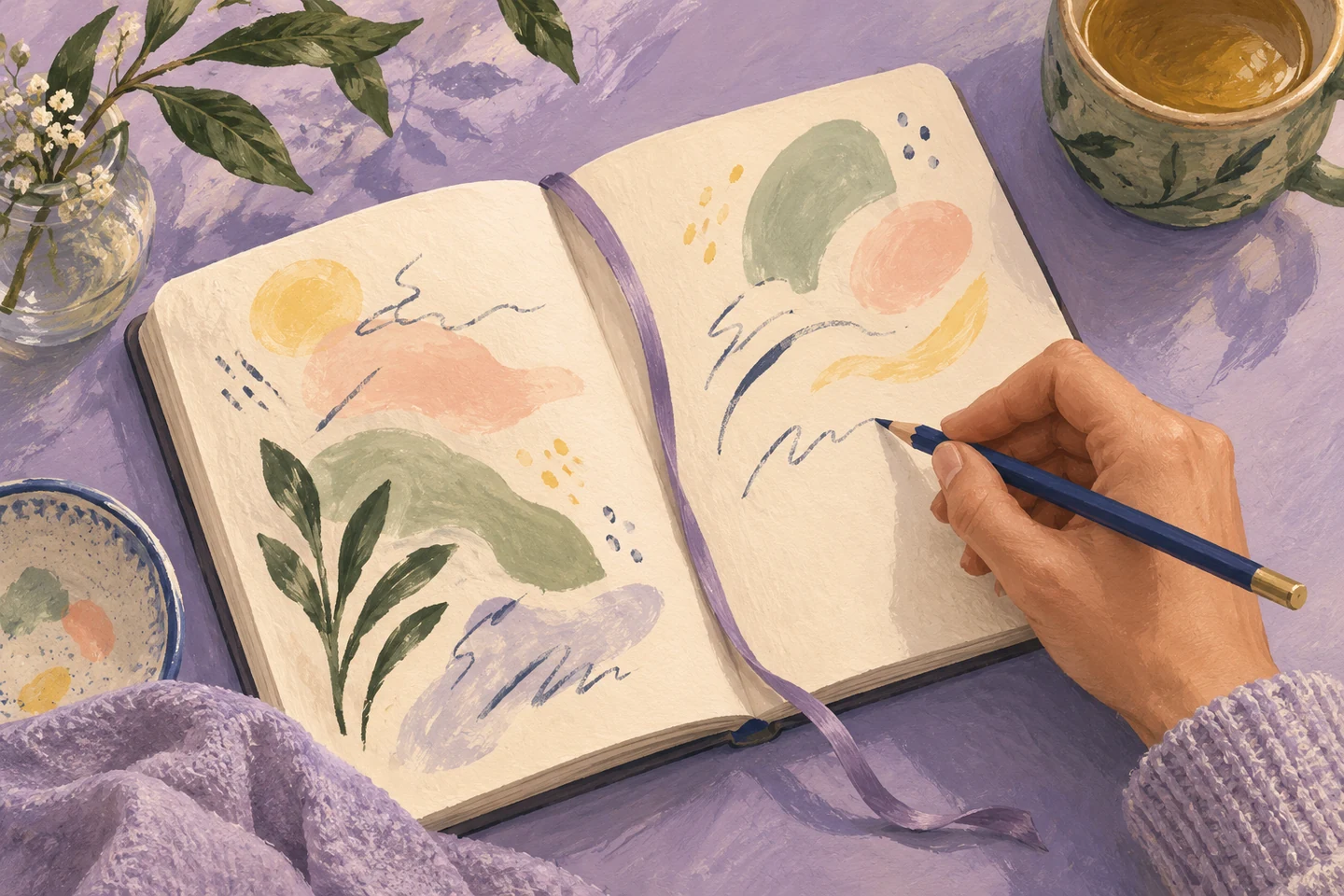
Thoughtful questions for the days when you want to write a few words, but aren’t sure where to begin.
KnowMoodYes. Each check-in keeps its own mood, time, and optional details. A morning and an evening can tell different stories.
No. A mood alone is a complete check-in. Energy is optional; Go deeper adds feelings, daily life, needs, and notes only when you want them.
Mood describes how you feel. Energy describes how much energy you have. A good mood can come with low energy, so KnowMood records them separately.
Mood Trend shows change over time; Mood Mix shows how often each mood appears. Daily Life and Cycle add context. Look back connects a recurring feeling to its original check-ins and follow-ups.
KnowMood saves records locally and offers optional iCloud backup. Backup is not live cross-device sync. See the Privacy Policy for details.
Yes. Cycle is optional. You can use check-ins, your journal, and other mood views without recording period dates.
KnowMood is designed for iPhone and iPad. Check the App Store listing for current device and system requirements.
KnowMood supports personal recording and reflection. It does not diagnose conditions, provide treatment, or establish what caused a feeling.

For iPhone and iPad